How to use: EmailXport MBOX Converter
Here is the stepwise guide to convert MBOX files using EmailXport MBOX Converter Tool:
Step 1: Download, install, and launch EmailXport MBOX Converter Tool.
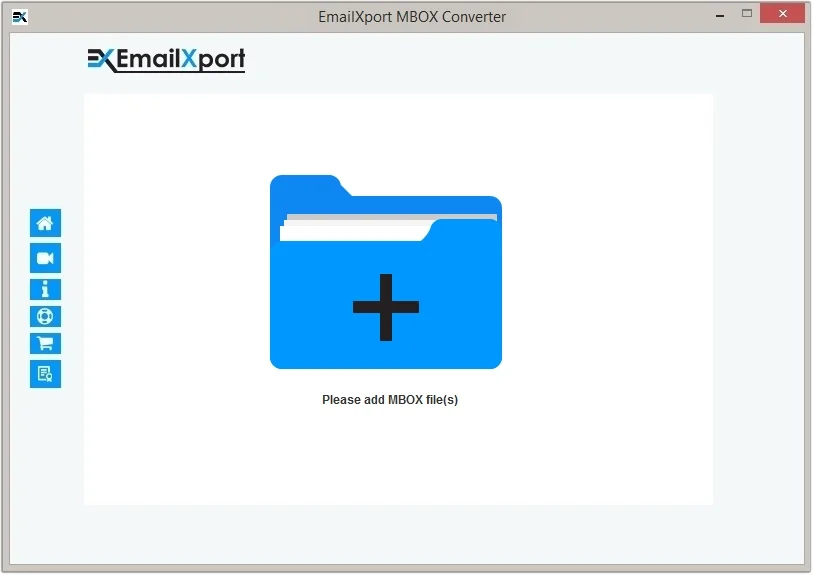
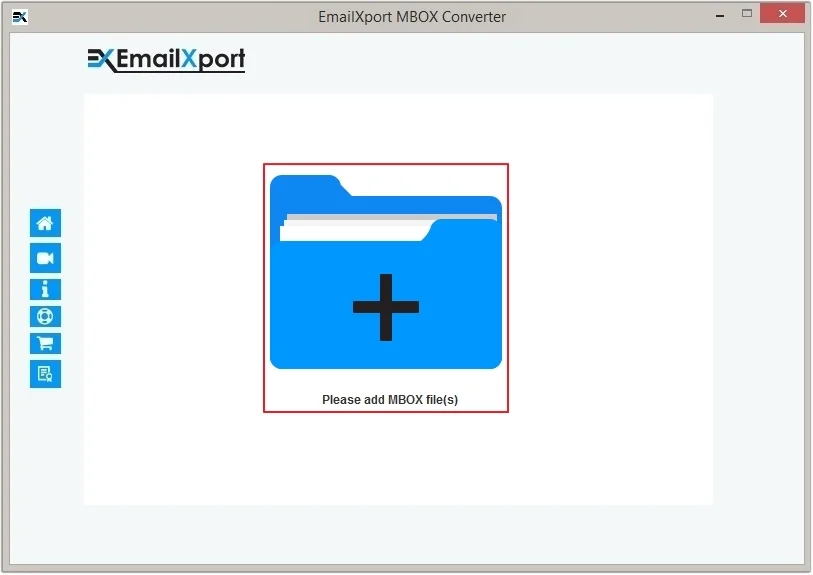
Step 2: Click on the Add button to upload MBOX file(s).
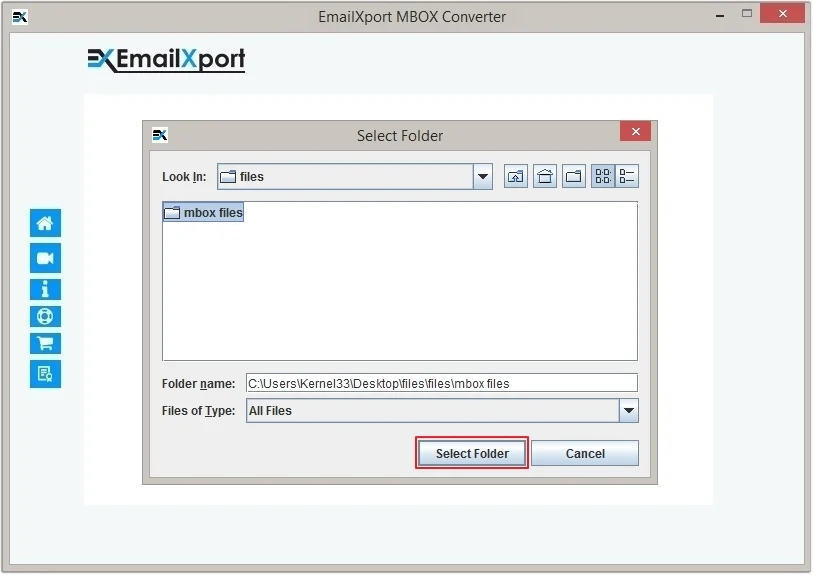
Step 3: Choose the required MBOX folder and click the Select Folder button.
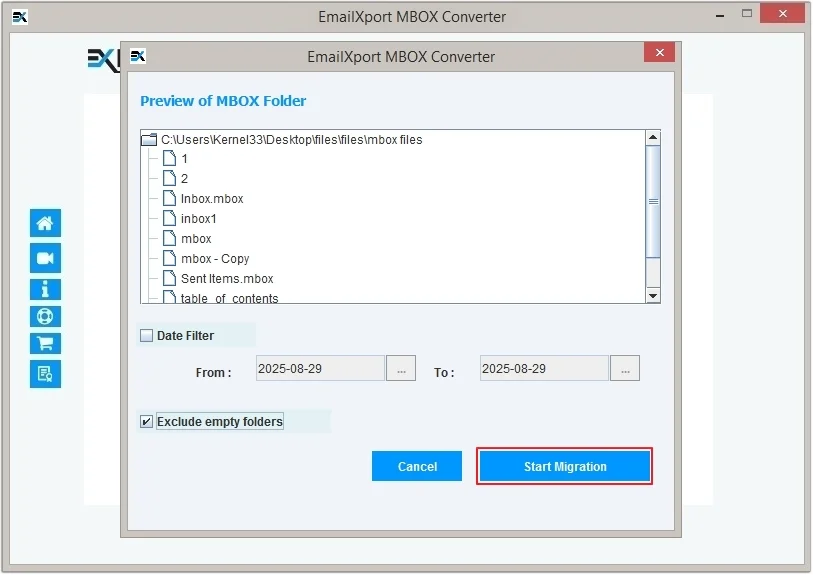
Step 4: Preview the MBOX folder data and apply Date Filter or Exclude empty folder. Click Start Migration.
Step 5: Select the desired output type and apply conditional filters. Now, click on the Browse button to provide the destination and click OK to begin the process.

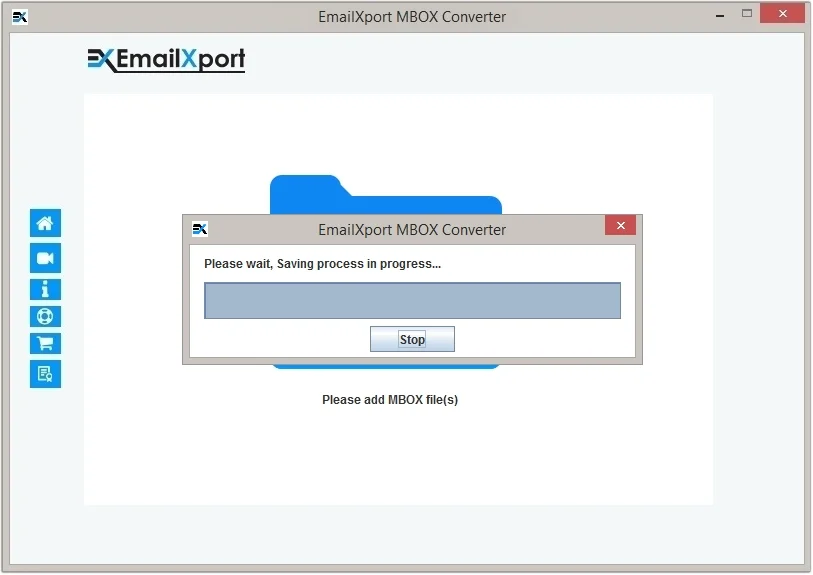
Step 6: The software will begin the MBOX file conversion.
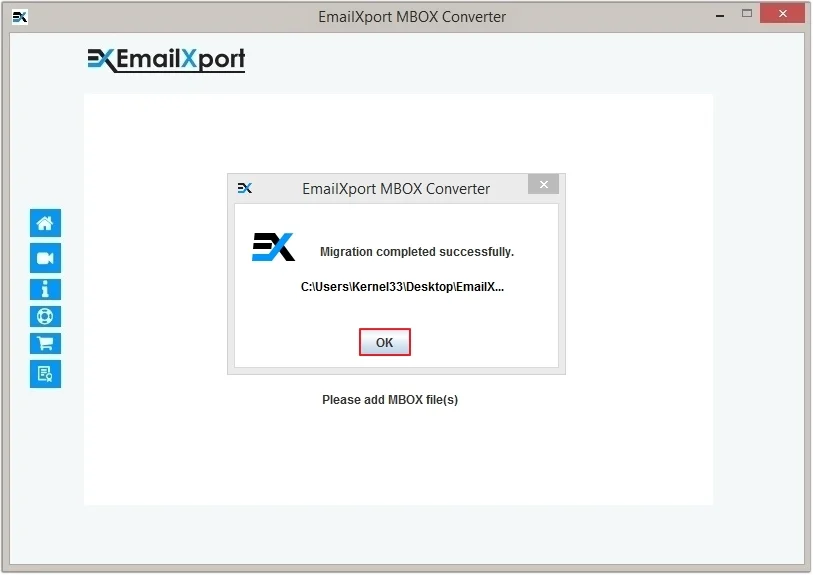
Step 7: Once the process is completed, you’ll receive a Migration completed successfully message. Click OK to end the process.