How to use: EmailXport Mac MBOX Converter Tool
Here is the detailed step-by-step procedure to convert the entire MBOX folder into various file formats using this excellent Mac MBOX Converter tool:
Step 1. Download, install, and run the EmailXport Mac MBOX Converter tool on your system.
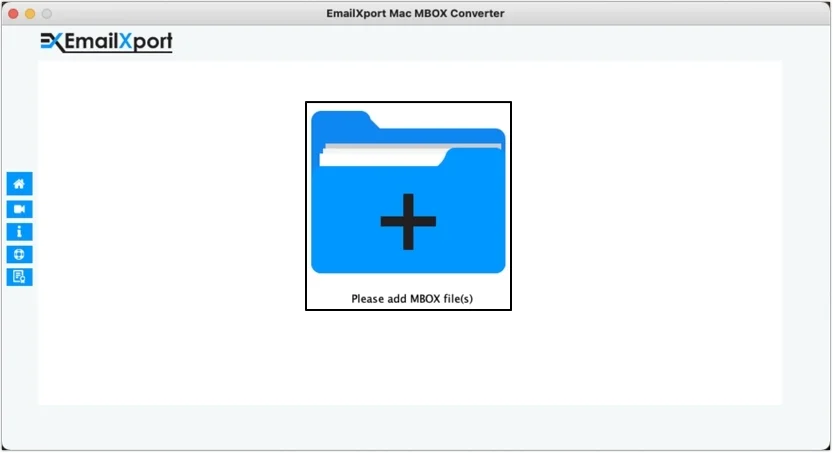
Step 2. Click on the + Please add MBOX file(s) button to upload files saved on your local drive.
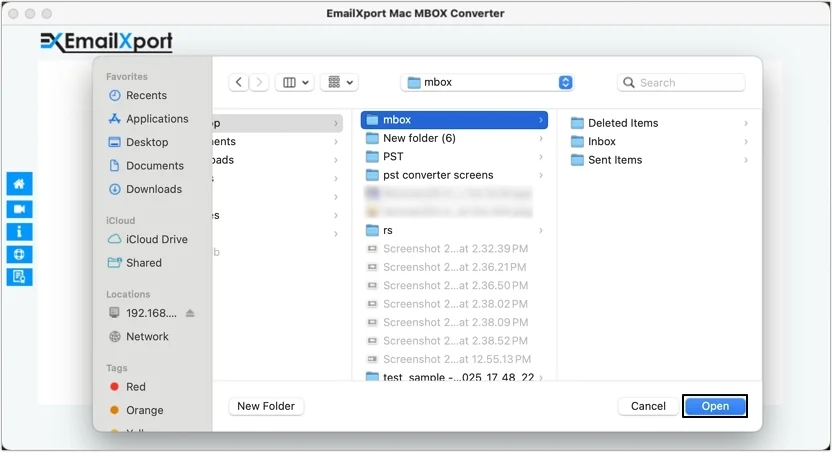
Step 3. Go to the location where MBOX files are saved, then select the required one and click Open.
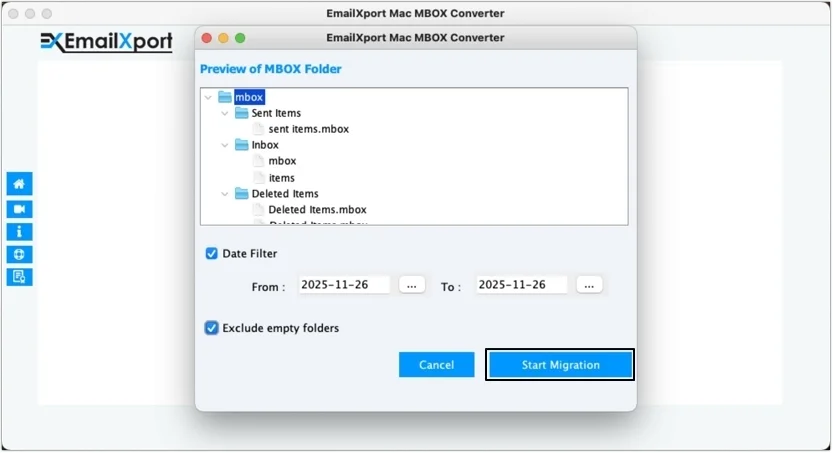
Step 4. Apply necessary filters to convert only the essential data and click Start Migration.
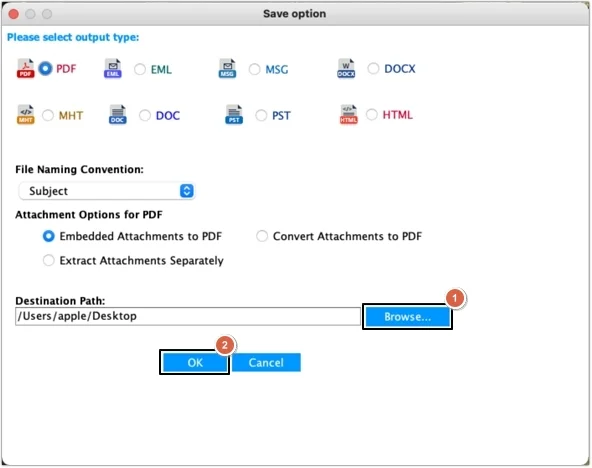
Step 5. Select any of the output formats to save converted data (we have selected PDF), then click on the Browse button to provide a saving location and click OK.
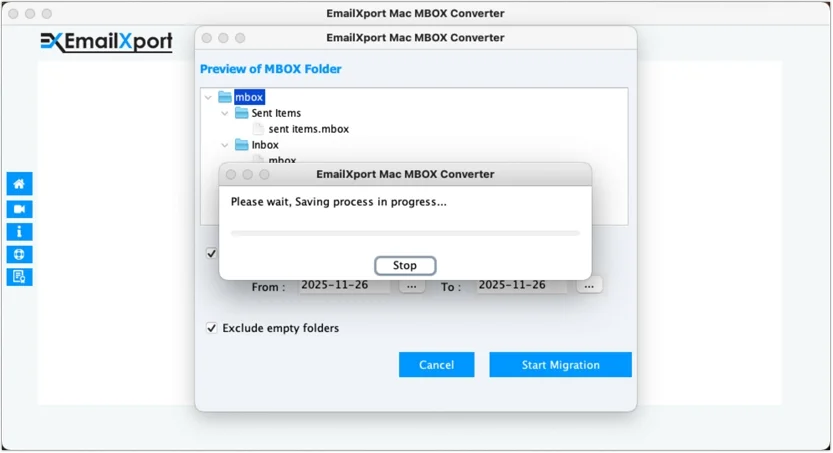
Step 6. The Mac MBOX Converter software will begin converting the files.
Step 7. Once the conversion process is completed, click on the provided path to view saved data or click OK to end the process.

